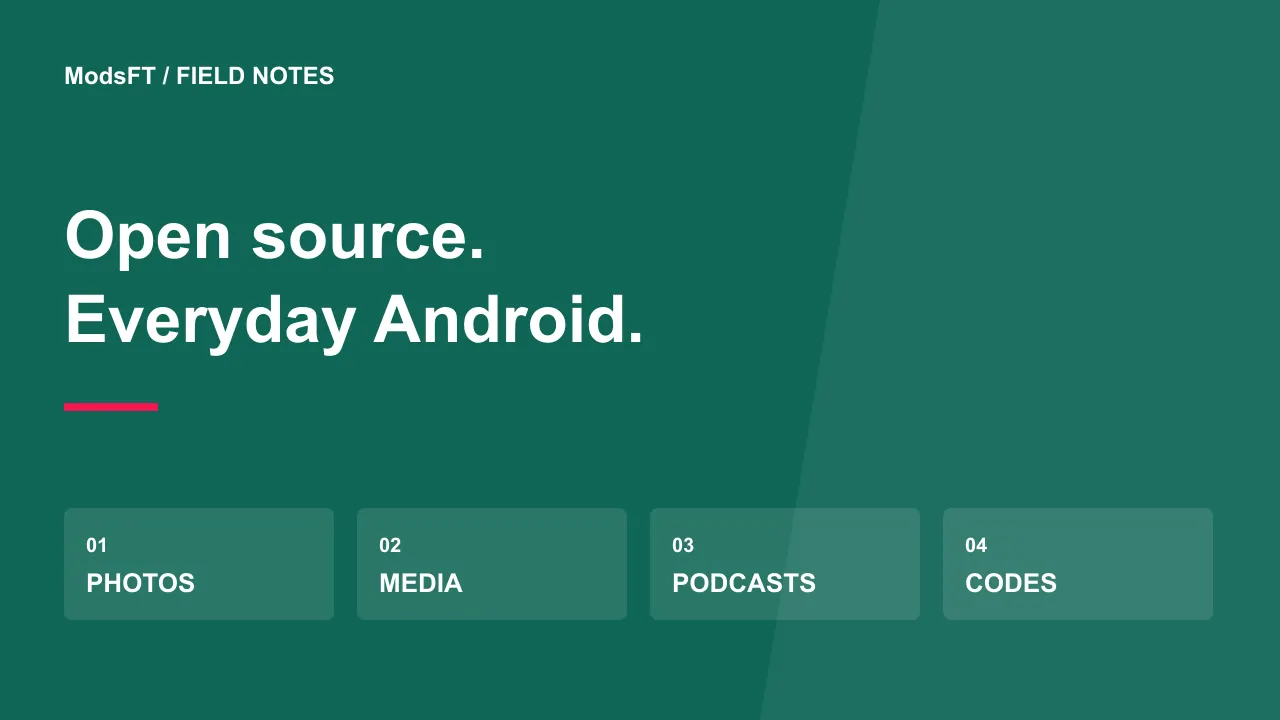
Which free open-source Android apps are worth exploring? Start with one that solves a task you already have: Fossify Gallery for local photos, VLC for media playback, AntennaPod for podcasts, or Aegis for authenticator codes. These are different tools, so choose by your task rather than treating them as a ranked competition.
This is a documentation-based selection, not a claim that ModsFT has benchmarked these apps on every device. The project links below are the starting points for current downloads and requirements. Open source makes code available under a license; it does not automatically make every build private, compatible or free of defects.
Choose a task before choosing an app
If you only want a better way to browse photos, you do not need to replace your entire phone setup. Pick one task, save a backup of important data and try a small sample. Keep your existing tool until you know how the replacement handles export, updates and the features you use daily.
- Photos on your phone: explore Fossify Gallery.
- Local audio and video: explore VLC.
- Podcast subscriptions: explore AntennaPod.
- Time-based verification codes: explore Aegis.
Fossify Gallery: browsing local photos and videos
Fossify Gallery is an Android photo and video gallery with publicly available source and a GPL-3.0 license. It is a candidate when your main requirement is viewing and organizing media stored on your device.
Before switching, create a folder with a few disposable pictures. Check sorting, opening a video, moving a sample and the behavior of delete or recycle-bin controls. Do not use your only copy of a valuable photograph to discover how file operations work. A local gallery and a cloud photo-backup service solve different problems; moving to a gallery does not create a remote backup.
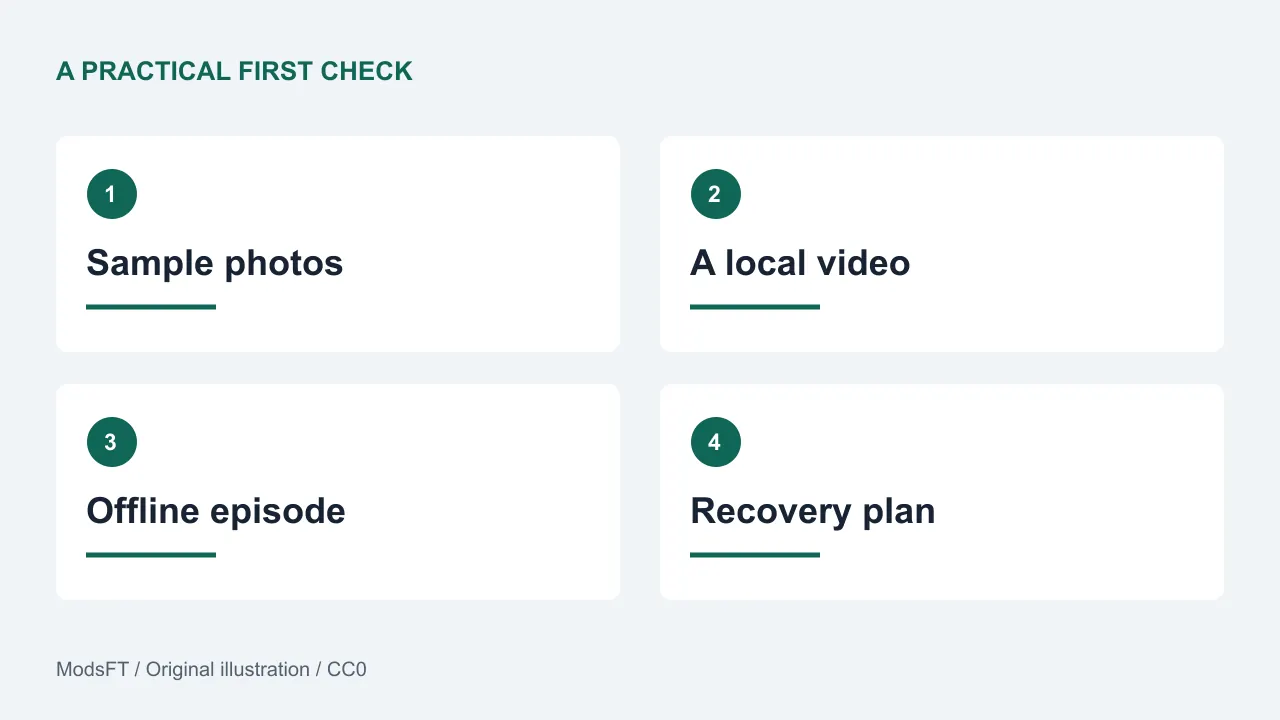
Best first check: can you find and manage the same sample pictures after closing and reopening the app? Follow the repository's own distribution links instead of searching for an unrelated APK mirror.
VLC: playing media without building a new library subscription
VLC is VideoLAN's open-source media player, with Android among its supported platforms. Its role here is playing media you can legitimately access, not unlocking a paid streaming catalog.
Use one familiar video and one audio file. Test pause, seeking, rotation and any subtitle file you normally need. A format working on a desktop does not prove identical behavior on every phone; hardware, file encoding and app versions can affect the result. Keep the original file while experimenting with settings.
Best first check: open the actual type of file you use, rather than relying on a broad claim about supported formats. For this task, successful playback matters more than an app's popularity.
AntennaPod: podcasts from feeds you choose
AntennaPod is an open-source Android podcast player that supports RSS subscriptions and downloaded episodes. The application itself does not insert ads, but a podcast publisher may include advertising inside an episode.
Subscribe to one public feed and download a short episode over a connection you intend to use. Then switch offline and check playback, the queue and storage cleanup. A podcast player does not make subscription-only content public; access to a private feed still depends on its publisher.
Best first check: confirm that a downloaded episode remains available offline and that you understand whether deleting it removes only the local file or changes anything else in your library.
Aegis: authenticator codes with a recovery plan
Aegis Authenticator is an open-source Android app for managing verification tokens. Its documented features include an encrypted vault and import/export options.
Authenticator migration deserves more care than changing a media player. Start with a low-risk test account, keep the service's recovery options and confirm a new code works before removing an existing method. Review the project's backup guidance and protect exported secrets. Do not upload a vault, setup QR code or recovery codes to a public bug report.
Best first check: can you explain how you would regain access if the phone were lost? Installing an authenticator without understanding recovery can create a different problem from the one you meant to solve.
How to compare them fairly
For each candidate, record the installed version, download source and one task result. Also note any permission request you did not understand, accessibility difficulty or missing export option. These notes are more helpful than a single star rating because they explain what worked for your circumstances.
Read our Android app testing checklist for a repeatable trial. If you are deciding where to install from, use the installation and update guide before changing distribution channels.
Common questions
Are all open-source apps free to download?
No. A software license and a distribution price are different things. A project may offer a free build, a paid store listing, donations or paid services. Follow the developer's current options rather than assuming every store copy has the same price.
Does open source mean there is no tracking?
No. Review the app's documentation, build source and privacy information. Source availability helps scrutiny, but it does not replace checking the behavior of the version you install.
Should I install all four?
Only if their tasks match your needs. Begin with one non-critical workflow and keep a usable way back. You do not gain anything by adding software you will not use.
Sources and review notes
Project documentation reviewed on 30 October 2026: Fossify Gallery repository and license, VideoLAN VLC, AntennaPod and Aegis. Features and distribution options can change; check the linked project before installing.