Where should you download an open-source Android app? Start with the developer's own website or repository and follow the distribution links it provides. That may lead to Google Play, F-Droid or an application asset on a release page. Keep a record of the source so future updates come through a route you understand.
No single channel is the right answer for every project. Availability, build configuration, signing and update timing can differ. This guide explains the choices and a careful installation routine; it does not certify a file or promise that every app is available through all three routes.
Check the project before choosing a file
Compare the app name, repository owner, developer website and package identity where documented. Open the license and installation instructions. A public repository can contain source code without offering a ready-to-install application, and a familiar name on a mirror does not establish a connection to the developer.
Read the current release notes and requirements. If the project marks a build experimental, that matters more than its position in a list. Avoid choosing by version number alone when a project distributes separate stable and development channels.
Google Play: use the listing the developer identifies
If the project links to a Google Play listing, compare the publisher and app details before installing. Google Play can provide a familiar installation and update route, but do not assume any listing with the same name is the one the project supports.
Read the listing's current device requirements and the project's explanation of any store-specific differences. Open-source licensing does not require every distribution to have the same price or bundled services. A paid store edition can coexist with another build offered by the same project.
F-Droid: check the package and build information
F-Droid is a distribution route for free and open-source Android software. Its documentation describes its build and signing process and points readers to information about reproducible builds.
On an app page, review the linked project, available version and any notices. Do not assume the F-Droid package and a build downloaded from the developer are interchangeable. Where an update cannot install over an existing copy, inspect the project's distribution and signing guidance before taking action.
In particular, do not uninstall a data-bearing app merely to get past an update error. First export or back up through a supported method and check restoration with a sample. A fresh install may remove the very information you intended to keep.
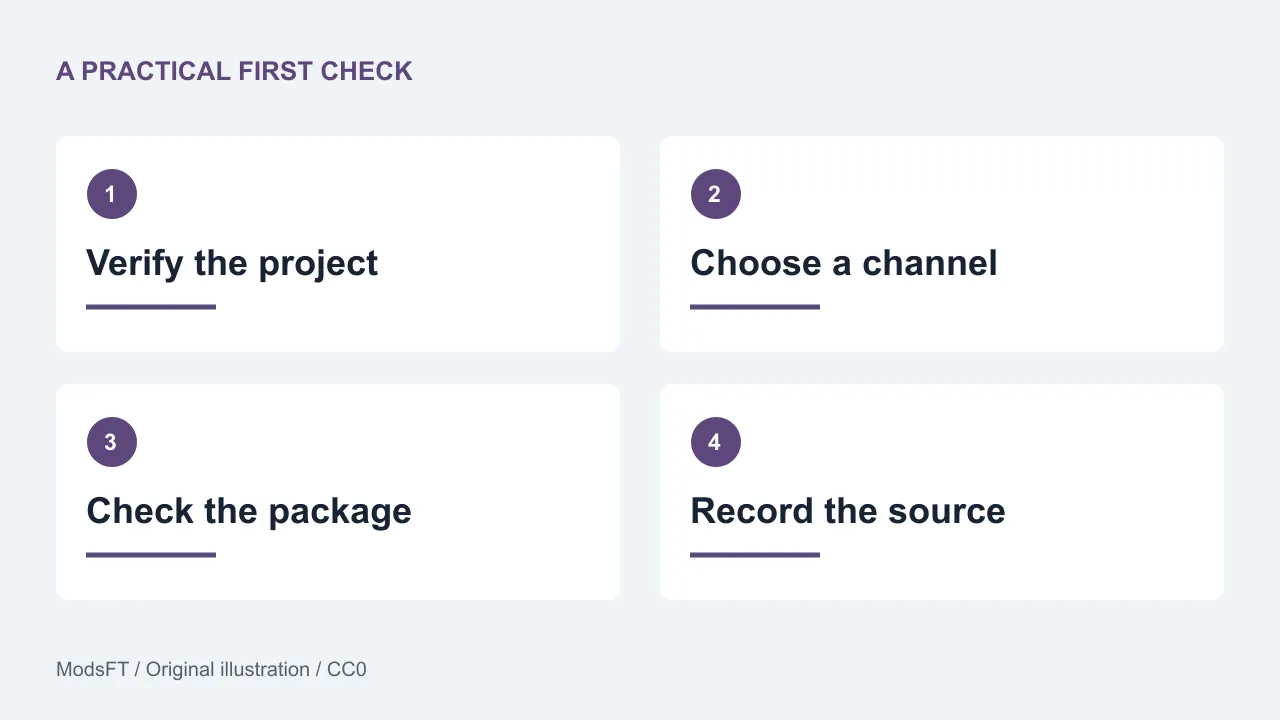
GitHub Releases: application assets and source archives differ
GitHub releases can contain release notes and downloadable application assets. GitHub also provides source-code archives for a release tag. A source ZIP or TAR archive is repository content, not automatically an Android installer.
Follow the maintainer's Android installation instructions and select an asset for your device. An APK is an Android application package; a release may offer multiple variants. If you do not understand which one applies, use the project's explanation rather than installing several files at random.
A checksum can help compare a downloaded file with a published value, but it does not establish who published that value or guarantee that the program is harmless. Treat provenance, release instructions and any verification method as separate checks.
Install without disabling protections
Android may ask you to allow installation from the application that opened an APK. Read which source is requesting that ability and limit it to the task you intended. Device menus vary, so use your phone's normal settings and the project's instructions.
Pause if a page asks you to disable device protection, enter unrelated credentials or install another download manager just to obtain the app. A legitimate project should explain what its own installation requires. Keep the package until you confirm the installation result, then remove redundant installers when no longer needed.
Keep a simple update record
- Project name and official website or repository.
- Installed version and distribution channel.
- Relevant package or variant details.
- Where release notes and update instructions live.
- How important local data can be exported and restored.
When an update arrives, read notes for versions you skipped and check whether requirements changed. Use the same supported channel unless you deliberately plan a migration. If the update fails, record the message and consult documentation before uninstalling or replacing a working copy.
Try the app before moving your work
After installation, make a disposable sample and complete the main workflow. Close and reopen it, inspect relevant permissions and verify export where needed. See our app testing checklist for the full method.
If you are still choosing an application, our everyday Android selection links to four real projects. These guides identify projects and explain evaluation; they do not host unofficial copies or present modified paid applications as free alternatives.
Common questions
Can a source-code ZIP be installed like an APK?
No. It contains project files and may require developer tools to build. Use the application's documented installation asset or supported distribution channel.
Why do two sources show different releases?
Builds and publication schedules can differ. Compare the project's channel notes, version details and requirements. A newer number alone does not establish that switching channels is appropriate.
Should I uninstall if an update will not install?
First check compatibility, channel and signing guidance, and protect local data. Uninstalling can remove app data and is not a routine first step for diagnosing an update problem.
Does downloading from a known channel remove every risk?
No. Review the particular project, its permissions, current documentation and your recovery plan. A distribution channel is one part of the decision, not a guarantee about every application.
Sources and review notes
Reviewed on 30 October 2026: F-Droid general FAQ and GitHub documentation on releases. Follow the current instructions for the application you select; distribution and device requirements may change.