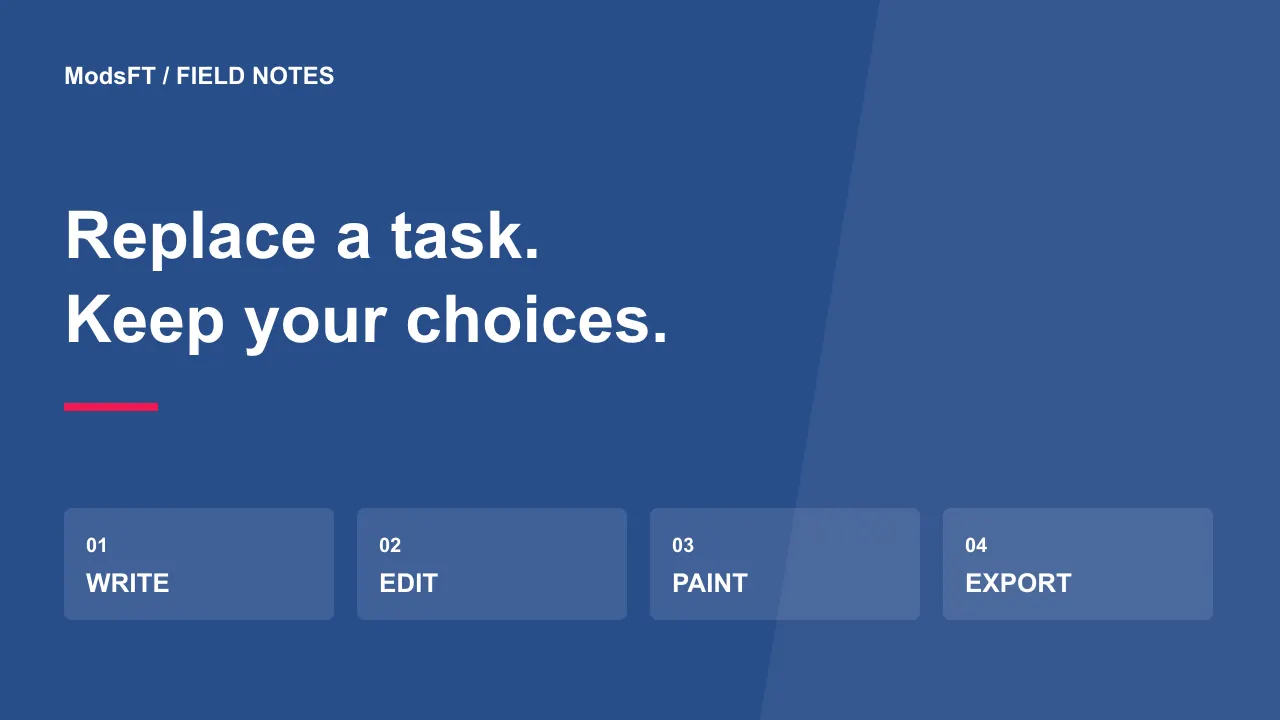
Can open-source software replace a paid app? Often it can replace a particular task, but that does not make it an identical replacement for an entire product. LibreOffice is worth exploring for documents and spreadsheets, GIMP for image editing, and Krita for digital painting. Choose a tool by the files and work you need to finish.
This guide compares documented purposes and proposes a migration method. It is not a benchmark, a guarantee of file compatibility or a claim that these projects offer every feature of a commercial suite. Keep your original files and test representative copies before changing a workflow that other people depend on.
Start with the job, not the subscription
Write down three recent jobs you completed in the paid application. For an office tool, that might mean an assignment, a budget and a presentation. For a creative app, it might mean cropping a photo, making a layered composition and exporting a drawing.
Next identify the constraints: required file format, printer settings, shared templates, plugins and handoff to another person. An alternative is useful when it completes those jobs acceptably. A long feature list does not help if a necessary font, macro or export step fails in your workflow.
LibreOffice for documents, spreadsheets and presentations
LibreOffice is a free, open-source office suite. Writer handles documents, Calc handles spreadsheets and Impress handles presentations. It also includes other tools, but those three are the natural starting points for everyday office work.
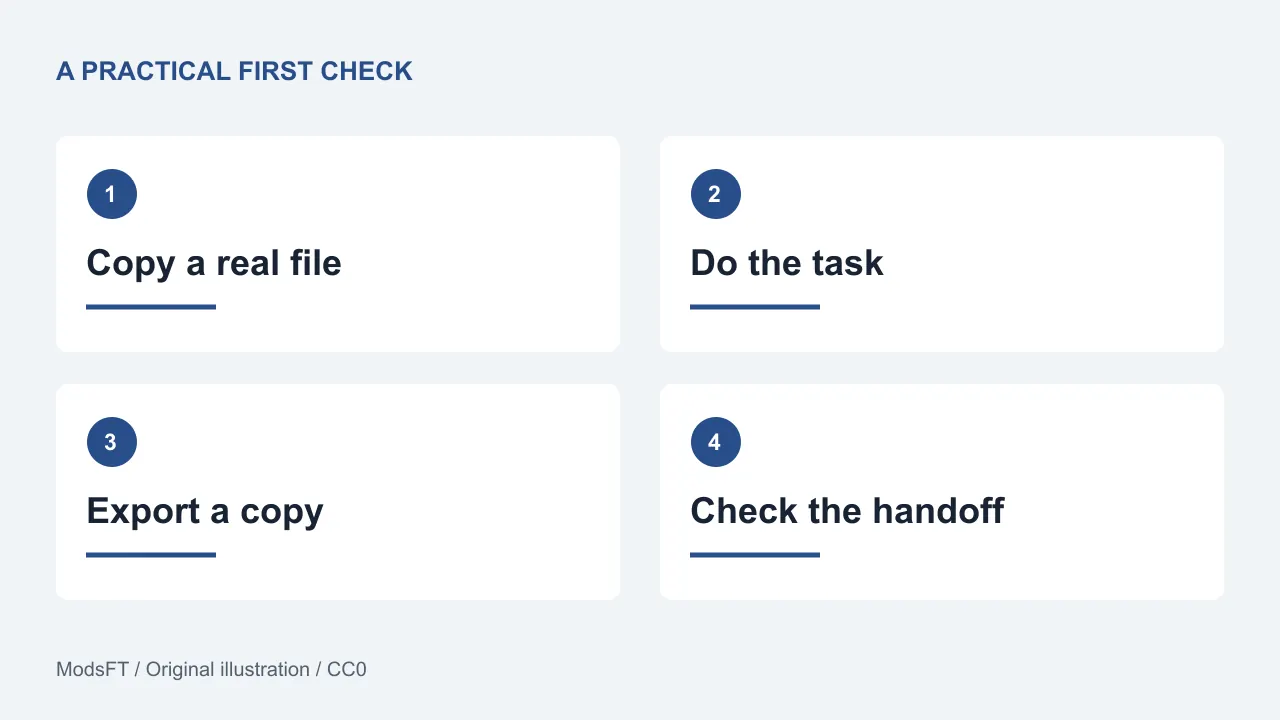
Make a copy of a document you actually exchange with someone else. Open it, edit a paragraph, save to the required format and reopen the result in the tool your recipient uses. Inspect page breaks, fonts, comments, formulas and charts that matter to you. The ability to open a file does not establish a lossless round trip.
A local office suite can be a practical choice for individual work. If your team depends on a particular real-time collaboration service, enterprise add-in or elaborate macro collection, assess those separately. Do not cancel access until the collaboration and automation parts of the job have passed their own trial.
GIMP for photo retouching and image composition
GIMP is a free-software image editor intended for work such as photo retouching, composition and image creation. It is a candidate for projects where you need to adjust pictures, combine layers and produce a finished image.
Try a familiar task: crop a photo, make a color adjustment, add a separate text layer and export a web image. Keep an editable project copy as well as the final export. A flattened image is convenient to share, but it is not a substitute for the layers you may want to change later.
Evaluate plugin needs and interchange with collaborators before treating it as a replacement for a specific commercial editor. Similar tools can use different shortcuts, document structures and automation interfaces. Time spent learning those differences is part of the migration cost even when the download itself is free.
Krita for digital painting and illustration
Krita focuses on creative work including digital painting, with brushes, stabilizers and animation tools described in its documentation. It is a more relevant candidate for drawing and painting than a general claim that any image editor can replace any other.
Use your actual drawing setup. Test pressure response, a short brush stroke, layers and the export format you need. If you work with a tablet, check its behavior with your operating system and drivers. A successful mouse sketch does not answer whether your usual hardware works comfortably.
For animation, begin with a short disposable sequence and review the documented export workflow before committing to a longer project. Learning a different timeline or brush system is normal; measure whether you can finish your task, not whether every control sits in the same place.
A practical comparison without a misleading ranking
- Documents, budgets and slides: start with LibreOffice and test file exchange.
- Photo edits and layered compositions: start with GIMP and test editable files plus exports.
- Drawing and painting: start with Krita and test brushes, input hardware and delivery formats.
These are starting points, not universal winners. Someone preparing a thesis has different requirements from someone producing a painting. If your job includes both, more than one specialized tool may be appropriate.
Switch in stages and keep an exit route
- Back up originals and keep their original filenames.
- Choose one low-risk project with a clear finished result.
- Complete the whole task, including printing, sharing or upload.
- Ask the receiving person to inspect the actual exported file.
- Record any features you still need from the old application.
- Move another task only after the first result is usable.
Consider training time, support, collaboration and migration effort alongside price. Open-source projects can be supported by donations or paid distribution, and commercial software can still be the better fit for a particular requirement. The useful decision is the one you can sustain.
Common questions
Are these modified copies of paid apps?
No. These are separate open-source projects with their own tools and licenses. They are not cracked editions, and they do not unlock a commercial product's subscription features.
Can I use open-source software for paid work?
Check the actual license and the terms for assets, fonts and plugins you use. The GIMP project explicitly permits commercial use. Do not assume a software license also grants permission to reuse every image or template found online.
Will every old file look exactly the same?
Do not assume so. Fonts, effects, macros and proprietary formats can affect compatibility. Test copies, keep originals and agree on an exchange format with collaborators.
For a repeatable evaluation, adapt our task-based testing checklist. For phone tools, see four free open-source Android apps.
Sources and review notes
Documentation reviewed on 30 October 2026: LibreOffice project, About GIMP, GIMP usage and licensing FAQ and Krita features. This is a task-based selection; no comparative performance scores or savings figures were measured.