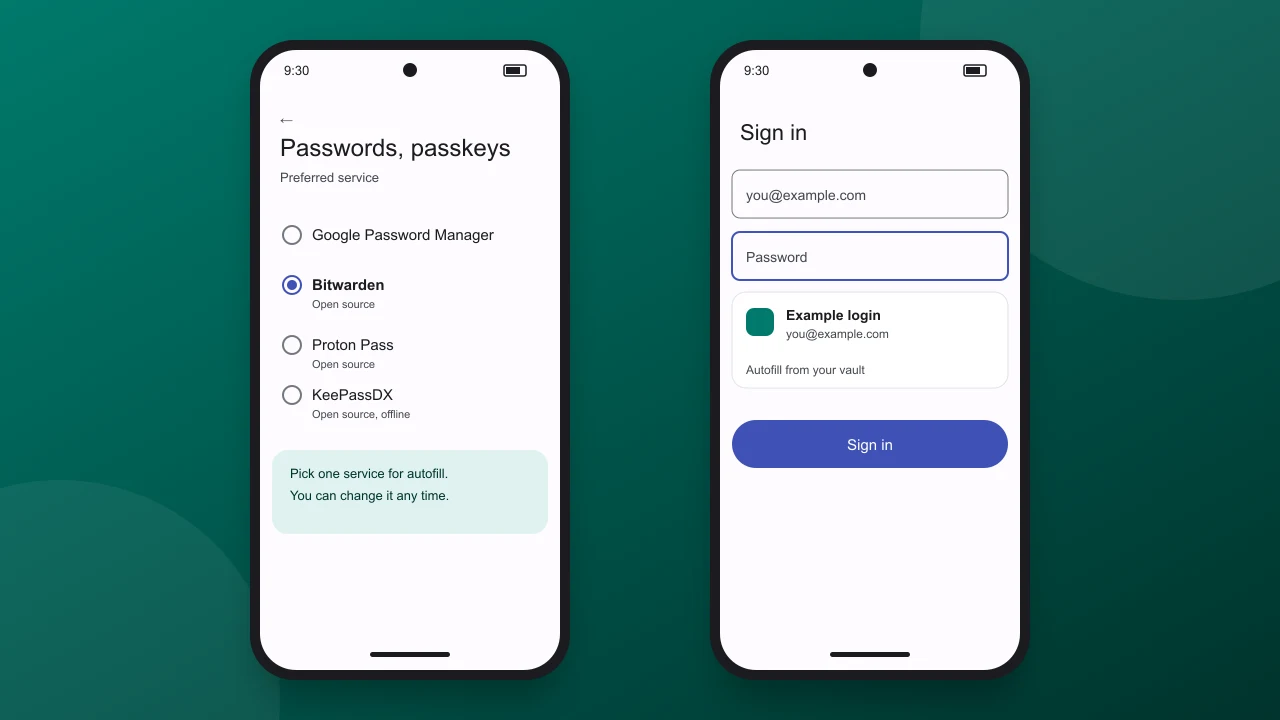
The best free open-source password managers for Android are Bitwarden, Proton Pass and KeePassDX. Choose Bitwarden or Proton Pass if you want your passwords to sync across your phone, computer and browser. Choose KeePassDX if you want an offline vault with no account. All three are free and can fill in passwords in Android apps.
Quick comparison
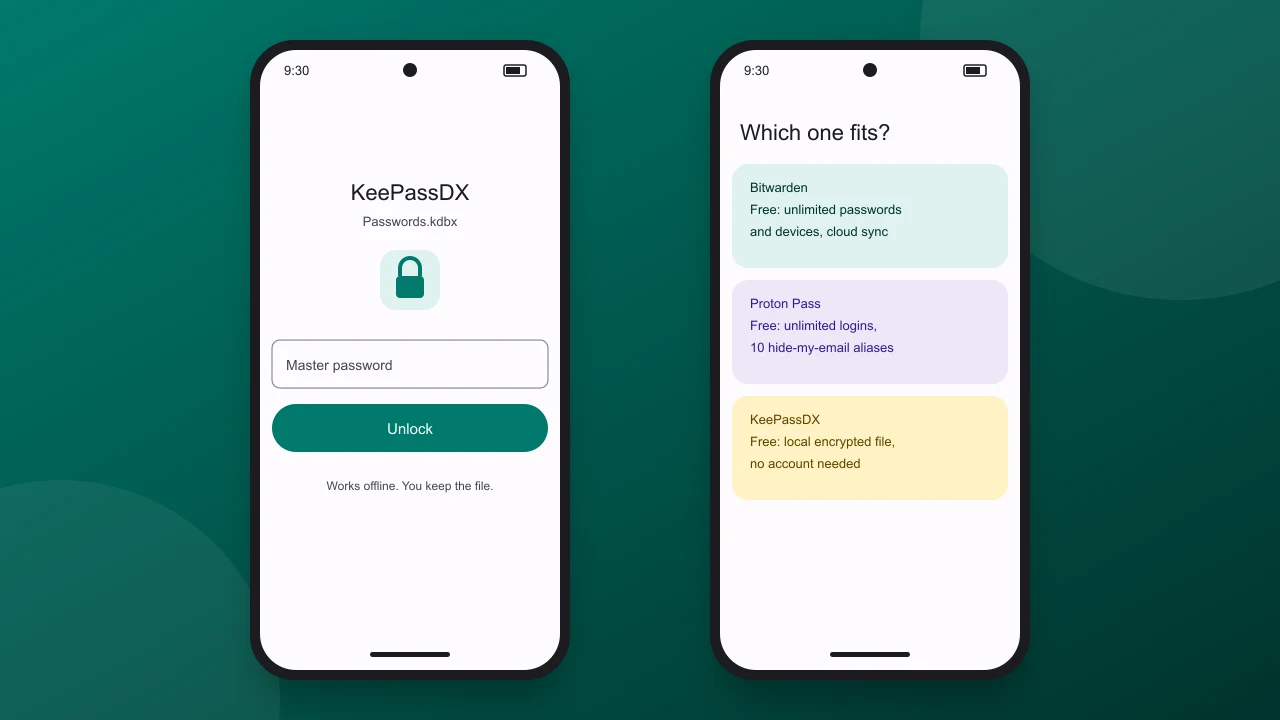
- Bitwarden: a free plan with unlimited passwords on unlimited devices, end-to-end encrypted cloud sync, a password generator, passkey support and free sharing with one other user. The Bitwarden pricing page lists Premium at US$19.80 a year. Premium adds a built-in authenticator, file attachments and emergency access.
- Proton Pass: a free plan with unlimited logins, notes and credit cards on unlimited devices, plus 10 hide-my-email aliases. It can also warn you about weak and reused passwords. The Proton Pass pricing page lists a 2FA authenticator, file attachments and unlimited aliases as Pass Plus features.
- KeePassDX: a password manager for Android only. It keeps passwords in one encrypted KeePass file on your device. The KeePassDX website says it needs no internet connection, has no ads or tracking, and is released under the GPLv3 license.
Why open source matters for a password manager
A password manager holds the keys to every account you have. With open source code, outside researchers can read how it encrypts your data, and they don't have to trust the company's word alone. Bitwarden lists "open source security" and zero-knowledge encryption as core features. Proton lists Proton Pass on its open source page. You can read KeePassDX's code on GitHub. Open source doesn't guarantee that an app is secure. It does mean that problems are harder to hide.
Which one should you choose?
Choose Bitwarden if you use several devices
Bitwarden has apps for Android, iPhone, Windows, Mac and Linux, plus browser extensions. The free plan has no device limit, so you can use it on your phone and laptop at no cost. It is a good default choice for most people.
Choose Proton Pass if you want email aliases
Proton Pass can create hide-my-email aliases when you sign up for a service. The site then never sees your real address. The free plan includes 10 aliases. If you already use Proton Mail, Pass works with the same account.
Choose KeePassDX if you want full offline control
KeePassDX stores everything in a single .kdbx file that you control. There is no account and no company server. You decide where the file goes and how you back it up. The catch is that syncing is up to you. You also need a backup copy, because if you lose the file and its backups, your passwords are gone. You can install KeePassDX from F-Droid or Google Play.
How to make Android autofill from your password manager
- Install the app from Google Play or F-Droid, never from a random APK site. Bitwarden's help warns that a malicious app can pretend to be a well-known one. Our guide on downloading free Android apps safely covers how to spot a fake.
- Open the app's settings and find Autofill. In Bitwarden, go to Settings > Autofill > Autofill services.
- When Android asks for your preferred service for passwords, passkeys and autofill, choose your new password manager.
- Open an app's sign-in screen and tap the password field to test it. A suggestion from your vault should appear.
If you are moving from Google Password Manager, export your passwords from it first, import them into the new app, and then delete the export file. To stop Google from offering to save passwords, open the Settings app, search for Password Manager, open its settings and turn off Offer to save passwords.
Protect your vault
- Use a long, unique master password that you don't use anywhere else.
- Turn on two-step login for Bitwarden or Proton.
- Keep a secure offline backup or an encrypted export, especially with KeePassDX.
- Be wary of phishing messages that ask for your master password. A real service will never ask for it. Our Android scam protection guide shows the warning signs.
Common questions
Is Google Password Manager good enough?
It is free, built into Android and Chrome, and much better than reusing passwords. An open-source manager is worth it if you use non-Google browsers, want email aliases, or want an offline vault.
Can I use passkeys with these apps?
Bitwarden and Proton Pass both list passkey support. KeePassDX lists passkeys among its features. When a site offers a passkey, your chosen autofill service can save it.
Are there other free open-source tools worth trying?
Yes. See our picks of free open-source Android apps and open-source alternatives to paid software.