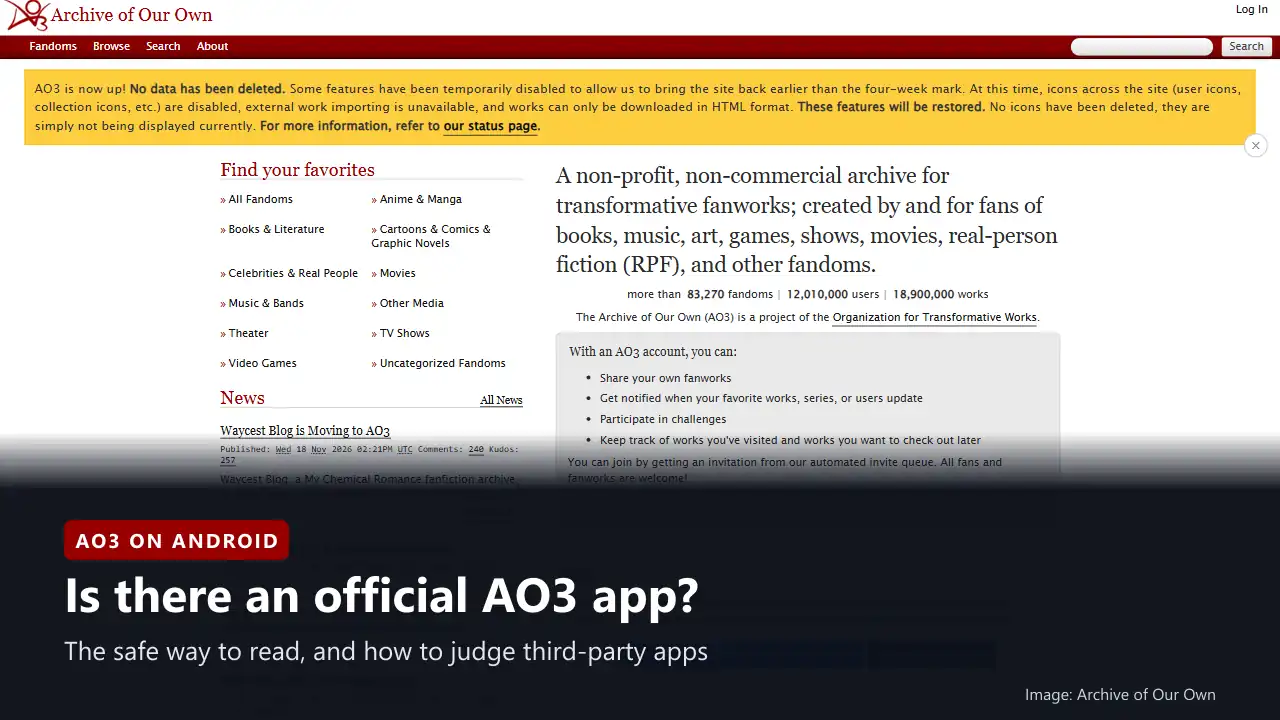
No, there is no official AO3 app for Android or iPhone. Archive of Our Own is a website, run by the non-profit Organization for Transformative Works (OTW), and every "AO3 app" in the Play Store or on APK sites is made by someone else. The safest way to read AO3 on your phone is the website itself, saved to your home screen. If you want an app anyway, choose one that never asks for your AO3 password, or an open-source reader you can check.
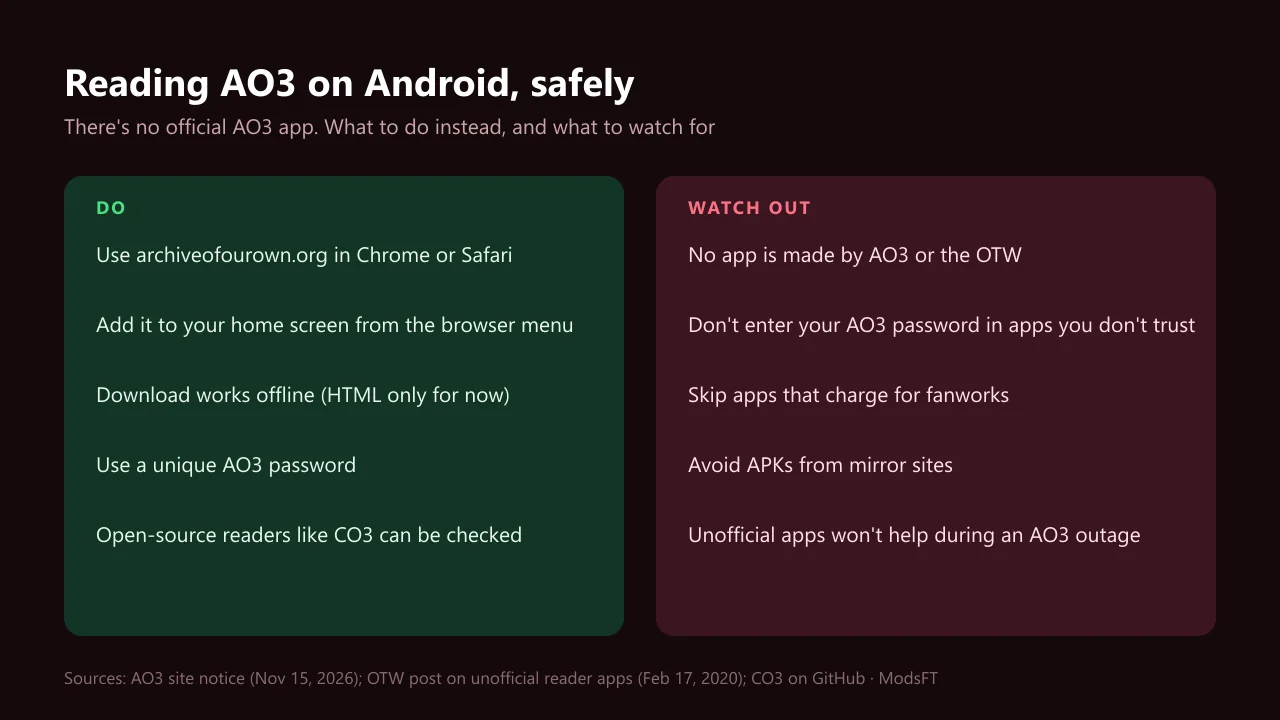
AO3 is back, but some features are still off
AO3 came back online on November 15, 2026, after a security incident took it offline on October 29. The notice on the site says no data was deleted, but a few features are paused while the team finishes its work:
- Downloads are HTML only. EPUB, MOBI, AZW3 and PDF downloads are switched off for now.
- Icons are hidden across the site. They haven't been deleted.
- Importing works from other sites is unavailable.
AO3 says these will come back. With millions of readers returning at once, you may also hit slow pages or error screens. When that happens, wait a few minutes and refresh rather than reaching for an app or mirror site. Most unofficial apps read from AO3 itself, so they won't help during an outage.
Why there's no official AO3 app
AO3 is run by volunteers and funded by donations. In July 2026, AO3's communications team published a post on its news page explaining why the Archive doesn't have an official app, and pointing readers to alternatives for specific features. Until that changes, the website is the only official way to use AO3, on a computer or a phone.
The safest way: AO3's website on your home screen
- Open archiveofourown.org in Chrome or your usual browser.
- Log in if you want your bookmarks, subscriptions and history.
- Tap the browser menu (⋮ in Chrome) and choose Add to Home screen.
- Open AO3 from that icon. It behaves much like an app, and you only ever type your password into AO3 itself.
For offline reading, open a work and use its Download button. For now that gives you an HTML file, which opens in your browser; e-book formats should return once AO3 restores them.
Unofficial AO3 apps: what to check first
Search the Play Store for AO3 and you'll find several "AO3 reader" apps, usually labelled unofficial. Search the web and you'll find APK download sites. Before you install anything:
- Check who made it. No app is made by AO3 or the OTW. An app that uses AO3's name or logo as if it were official is a red flag.
- Don't give it your AO3 password unless you trust the developer. A reader app doesn't need it just to show public works.
- Watch for paywalls. In a 2020 post, the OTW warned about apps that charged for access to fanworks and appeared to redistribute them without the writers' permission.
- Skip APK mirror sites. An APK from a mirror can be modified, and you lose automatic updates. Our guide to downloading free Android apps safely explains what to look for.
- Prefer open source. CO3 ("Client of our own") is a free AO3 reader whose code is public on GitHub under the GPL-3.0 licence, with installs through F-Droid. It's still unofficial, but anyone can check what it does. See how to install and update open-source Android apps.
For writers: your work in someone else's app
If you find your fanwork inside an app you never agreed to, the OTW's advice is that you, as the author, own the copyright in what you wrote and can send the app maker a takedown request. The OTW can't do it for you, because AO3 only has permission to display your work. Its 2020 post lists what to include.
Questions people ask
Is there an AO3 app on the Play Store?
Not an official one. The AO3 reader apps there are made by other developers.
Is there an AO3 app for iPhone?
No. On iPhone, open the site in Safari, tap Share, then Add to Home Screen.
Why can't I download EPUB or PDF from AO3?
Because AO3 has temporarily limited downloads to HTML since coming back online on November 15. Other formats are expected to return.
Is AO3 safe to use after the security incident?
AO3 has reopened and says no data was deleted. Use a unique password for AO3, and change it if you reused it anywhere else. Our list of free password managers for Android can help.