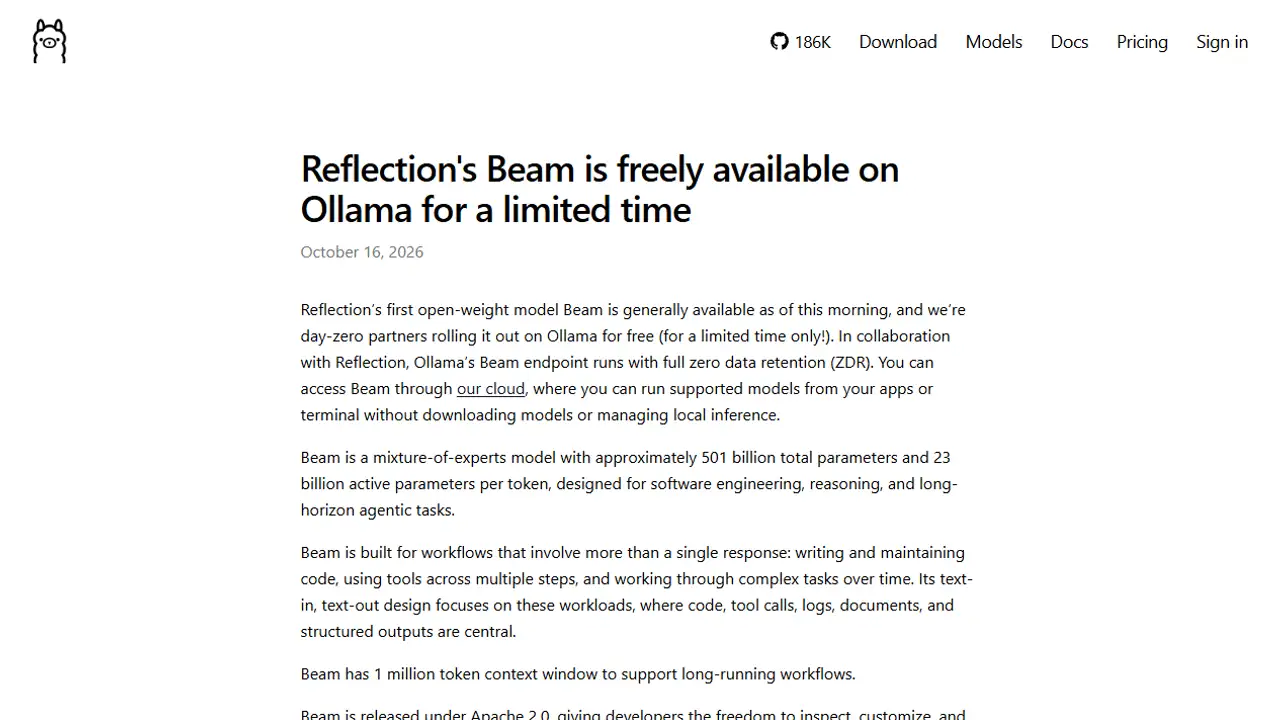
To try Reflection Beam for free, install or update Ollama, sign in, and run ollama run beam:cloud. Ollama announced on October 16, 2026 that Beam is free on its cloud for a limited time. The model runs on Ollama's servers, so you don't download it. The free period has no published end date, so check the model page and your usage before you start long tasks.
What is Reflection Beam?
Beam is Reflection's first open-weight model. Reflection released it on October 16, 2026, under the Apache 2.0 license, with weights on Hugging Face. Its main details:
- A mixture-of-experts model with about 501 billion total parameters and 23 billion active per token.
- A context window of 1 million tokens.
- Text in, text out. It doesn't take images.
- Built for coding, multi-step agent work, and math and science reasoning.
At this size, running Beam on your own computer isn't practical for most people. The beam:cloud tag sends your requests to Ollama's hosted endpoint instead. Ollama says the Beam endpoint runs with zero data retention, and its cloud documentation says it doesn't use cloud prompts to train models.
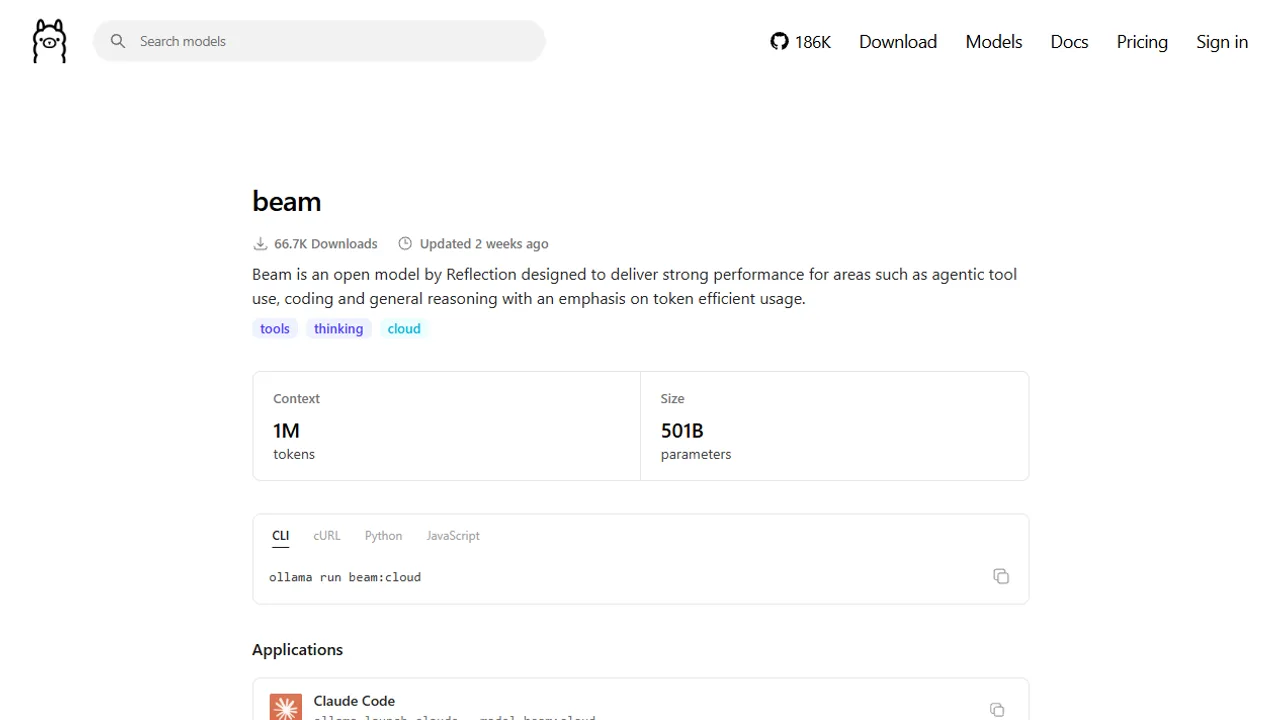
How to run Beam on Ollama
- Install or update Ollama. Download the latest version from Ollama's download page. Ollama's announcement asks you to use the latest version for Beam.
- Sign in. Run
ollamain a terminal and follow the sign-in prompts. Cloud models need an Ollama account. - Start a chat. Run
ollama run beam:cloud. Ask a short question first, such as explaining a small function, to confirm it answers. - Check your usage. Open the usage page in your Ollama account settings. Confirm how Beam requests are billed before you run anything large.
Use Beam with a coding agent
Ollama can launch coding tools with Beam as the model. The Beam model page lists these commands:
ollama launch claude --model beam:cloud
ollama launch codex --model beam:cloud
ollama launch opencode --model beam:cloud
Run them inside a test project first. Ask the agent to read and explain one file without editing it. Then try a small change you can review in a diff. If you already route Claude Code through Ollama, our free Claude Code guide covers the setup and what changes when you switch models.
Limits and costs to check
- The offer is temporary. Ollama calls it free "for a limited time" and hasn't published an end date. When the offer ends, Beam may move to normal per-token pricing.
- Pricing for other models. Ollama's pricing page lists a $0 pay-as-you-go plan with no subscription. Cloud models on it are billed per token. When we checked on November 5, 2026, Beam wasn't in the per-token price table.
- Concurrency. The pay-as-you-go plan allows three requests at the same time. Agents that run several tasks in parallel can hit this.
- Agent sessions use many tokens. One long agent task can send thousands of tokens per step. That costs nothing during the free offer, but it adds up once billing starts.
If Beam doesn't start
- "Model not found": update Ollama and type the tag exactly as
beam:cloud. - Sign-in errors: run
ollamaagain and complete the sign-in. Cloud tags don't work while you're signed out. - Requests wait or fail during agent runs: reduce parallel tasks. The pay-as-you-go plan allows three requests at once.
- The agent ignores Beam: start the tool through
ollama launchwith--model beam:cloud, then check which model it reports.
When Beam is a good fit
Beam suits long coding and reasoning tasks where the 1 million token context helps, such as reading a large log or several source files together. For quick inline code completions, a tool built for that job may be simpler. Our GitHub Copilot Free guide covers one.
Common questions
Can I run Beam offline?
The weights are public, but a 501-billion-parameter model needs server-class hardware. For offline use on a normal computer, pick a smaller local model in Ollama.
Is my code private when I use beam:cloud?
Your prompts go to Ollama's cloud. Ollama states zero data retention for the Beam endpoint and no training on cloud prompts. Still, keep passwords, keys and client secrets out of any prompt.
How do I reuse a workflow with Beam?
Tools like Claude Code support reusable instructions. Our guide to creating a Claude Skill shows how to write one and test when it runs.