If PlayStation Network is down, you can still play GTA 6 Story Mode on your PS5, as long as Console Sharing and Offline Play is turned on for your account. It usually is on the first PS5 you signed in to, but check it now: you can't change it while PSN is down. On Xbox, the equivalent is setting the console as your Home Xbox.
News outlets including The Independent and 80 Level reported thousands of PSN sign-in problems in the hours before GTA 6 launched on November 18 and 19, 2026.
How to turn on offline play on PS5
From PlayStation's support page:
- Go to Settings > Users and Accounts.
- Select Other > Console Sharing and Offline Play.
- Choose Enable.
Sony says this is switched on automatically on the first PS5 you signed in to. If you've got a new PS5, it may still be set on your old one: you can only have it on one PS5 at a time, so turn it off on the old console first.
With it on, anyone using that PS5 can play your downloaded games and media even when the console is offline.
How to set your Home Xbox
- Press the Xbox button and go to Settings > General > Personalization.
- Select My home Xbox, then Make this my home Xbox.
Your home Xbox can start your digital games without checking in with Xbox network first. Like PS5, it works on one console at a time.
What works and what doesn't when PSN is down
- Works: GTA 6 Story Mode and other single-player games that are already downloaded, on a console with offline play turned on.
- Doesn't work: signing in, the PlayStation Store, downloading the game or its updates, and online features. GTA Online isn't part of GTA 6 at launch anyway.
- Code-in-box copies: GTA 6's boxed edition contains a download code, not a disc, so you need PSN working to redeem and download it.
How to check if PSN is down
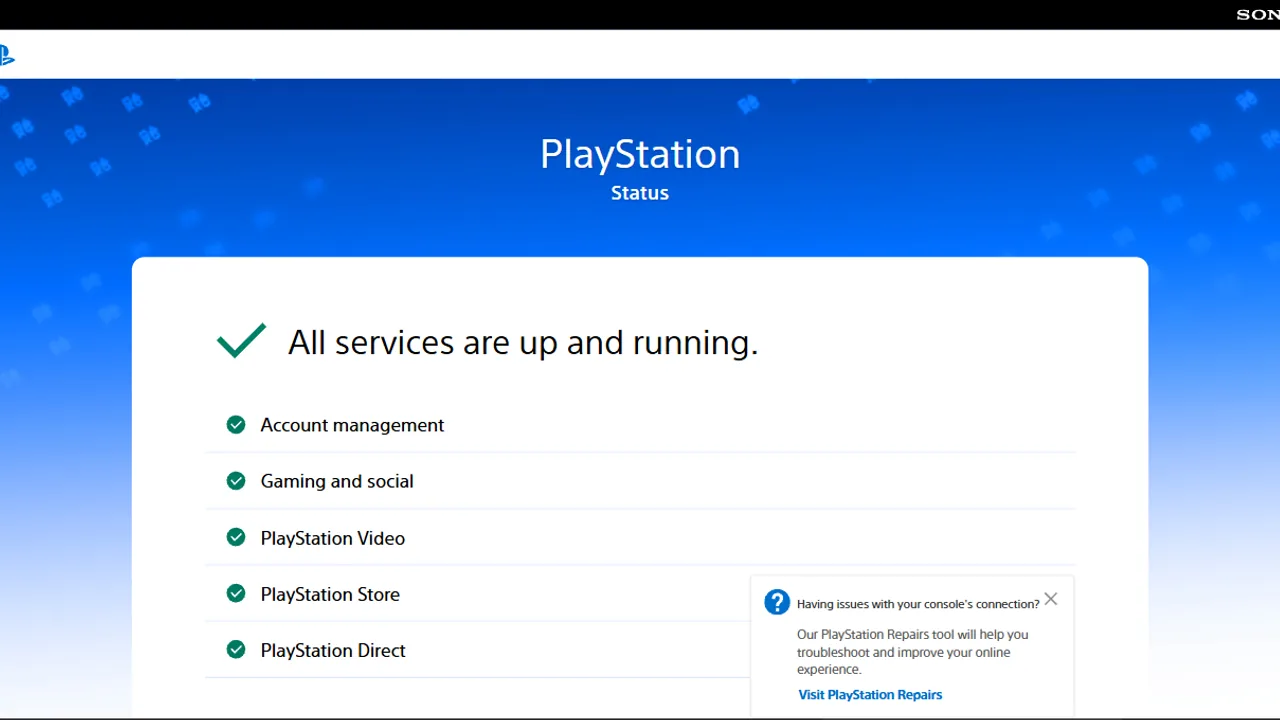
- Visit status.playstation.com, Sony's official status page.
- On Xbox, check support.xbox.com/xbox-live-status.
- If the status page is green but you still can't connect, restart your router and console before assuming it's an outage.
Never sign in through links in posts claiming to "fix" PSN: they're a common way to steal accounts. See our guide to spotting scams.
GTA 6 won't start even with offline play on?
- Check the download finished. On PS5, open Downloads/Uploads; a partly installed game won't start.
- Restart the console fully, not from Rest Mode: hold the power button until it beeps twice.
- Check free space. GTA 6 needs up to 212 GB, and launch updates need extra room.
- Wait for the outage to end if the game asks for a required update: updates always need the network.
More GTA 6 help
Still downloading? Our GTA 6 download time guide and launch checklist cover the 212 GB install. Then learn how saving, cheats and GTA+ work.
Questions people ask
Can you play GTA 6 without PlayStation Plus?
Yes. Story Mode needs no PlayStation Plus subscription.
Why does my PS5 say it can't verify my license?
That usually means offline play isn't enabled on that console and PSN can't be reached. Turn on Console Sharing and Offline Play once PSN is back.