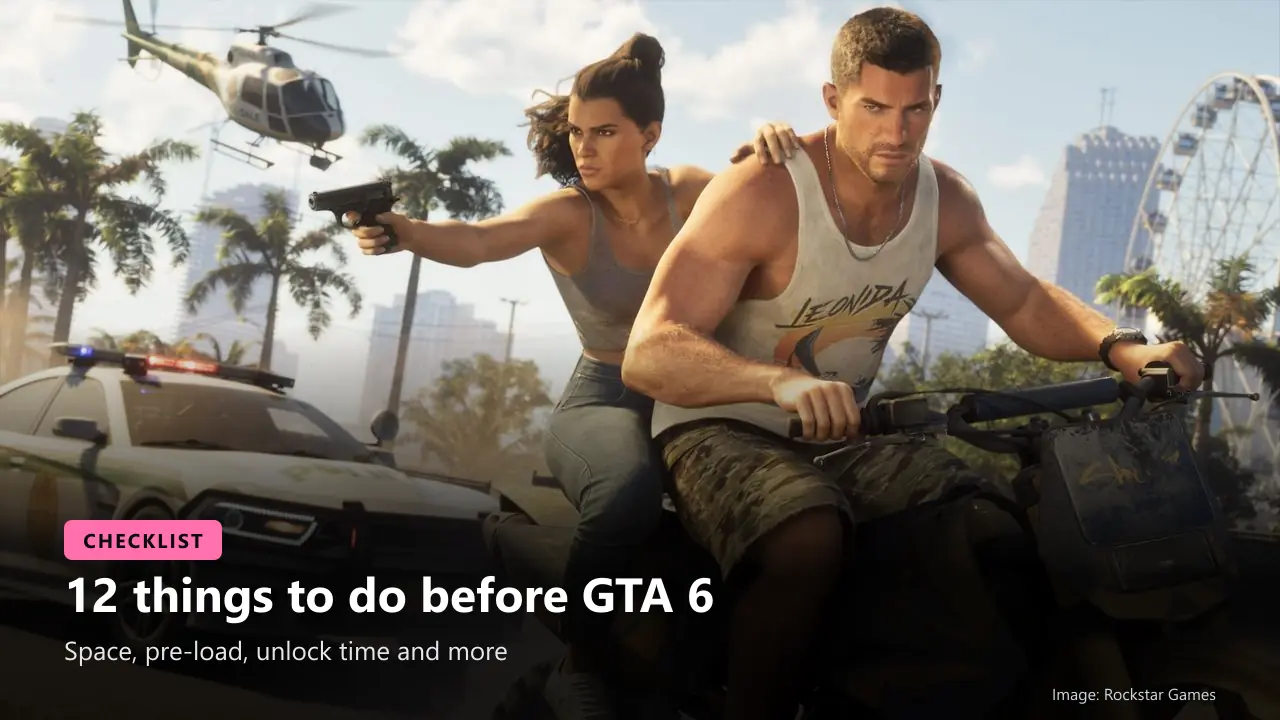
GTA 6 unlocks at midnight local time on November 19, 2026, on PS5 and Xbox Series X|S. The most important jobs before then are freeing up to 212 GB of space and finishing the pre-load, because downloading on launch night can take hours. This checklist covers those two and the 10 smaller things that save you trouble on the night.
1. Check you have the right console
GTA 6 runs natively only on PS5 and Xbox Series X|S. There is no PS4, Xbox One, PC or phone version at launch. Our guide on playing GTA 6 on Xbox One, PS4, PC or PS Portal explains the cloud option for older Xbox owners.
2. Free up 212 GB
Rockstar's pre-load FAQ says the game needs up to 212 GB. Aim for a little more, because updates add to that. See how to make room for GTA 6's 212 GB, including which storage expansions work.
3. Finish the pre-load
If you pre-ordered a digital copy, pre-loading opened on November 10. Check the download has finished, not just started: on PS5 open the Downloads/Uploads list, and on Xbox open My games & apps > Queue.
4. Work out your download time
At 100 Mbps, 212 GB takes about 4 hours 45 minutes in the best case. Slower connections take much longer, so if you haven't pre-loaded yet, start now. Our GTA 6 download time guide has times for other speeds.
5. Know your unlock time
Rockstar's release-time page says midnight local time on November 19:
- US Eastern: 12 a.m. ET, November 19 (05:00 UTC)
- UK: 12 a.m. GMT, November 19 (00:00 UTC)
- Switzerland: 12 a.m. CET, November 19 (23:00 UTC on November 18)
New Zealand plays first. Our GTA 6 unlock time guide explains why we don't recommend the Xbox New Zealand trick.
6. Leave the console ready for a launch update
Big games often get an update on release day. Let it download while you wait:
- PS5: Settings > System > Power Saving > Features Available in Rest Mode, then turn on Stay Connected to the Internet.
- Xbox: Settings > General > Power options, choose Sleep, and turn on Keep my games & apps up to date under Settings > System > Updates.
7. Bought a boxed copy? You still need the download
Rockstar said code-in-box copies were due at retailers from November 12. A code-in-box has a download code, not the game on a disc, so redeem it now and start the 212 GB download tonight.
8. Buy only from official stores
Fake pre-order pages and "free GTA 6 key" giveaways are everywhere this week. Buy from the PlayStation Store, the Microsoft Store or a retailer you know. Our guide to fake GTA 6 pre-order sites and delay rumours shows what to look for.
9. Ignore GTA 6 APKs and PC downloads
Any "GTA 6 for Android" app or PC download is fake, and many carry malware. See is there GTA 6 for Android? before you tap anything.
10. Turn on spoiler filters
Players in New Zealand and Australia start about 18 hours before the US East Coast, so clips will appear early. Mute words such as "GTA 6", "GTAVI", "Jason" and "Lucia":
- X: Settings and privacy > Privacy and safety > Mute and block > Muted words.
- TikTok: Settings and privacy > Content preferences > Filter video keywords.
11. Set up your TV
Turn on your TV's Game mode to cut input lag, then run the console's HDR setup: on PS5, Settings > Screen and Video > Video Output > Adjust HDR; on Xbox, Settings > General > TV & display options > Calibrate HDR for games.
12. Charge your controller and grab headphones
Charge the controller or pack spare batteries. On PS5, Rockstar says the game supports DualSense haptic feedback and Tempest 3D Audio, which you'll notice most through headphones.
Questions people ask
Can I play GTA 6 before midnight?
Not legitimately. Your console unlocks it at midnight local time. Changing your region to play early can cause problems with your account, as our unlock-time guide explains.
Do I need to be online to start playing?
For a digital or code-in-box copy, yes: you need the download, and possibly a launch update, before you can play.