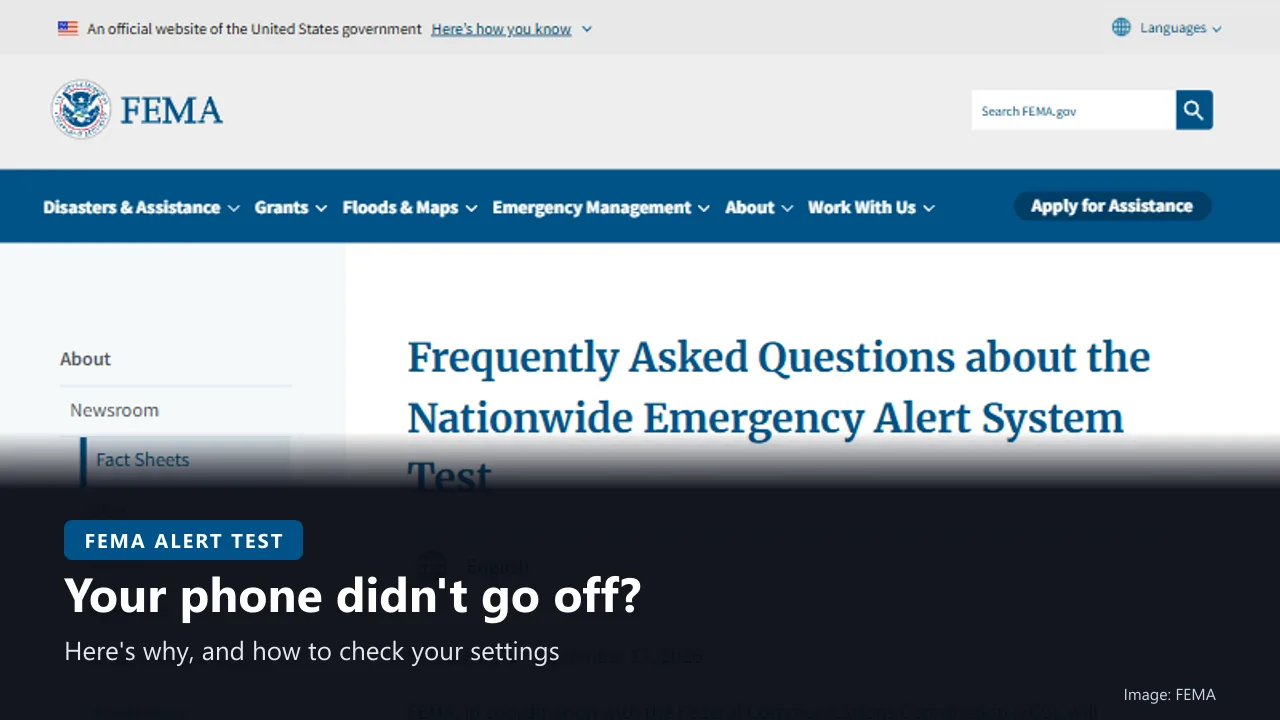
If your phone stayed silent during FEMA's nationwide test on November 17, 2026, nothing is wrong with it. The test only used the Emergency Alert System (EAS) on TV and radio. FEMA's FAQ says Wireless Emergency Alerts to phones "will not be part of this year's test". Phones were last tested nationally in 2023.
Below is what the test covered, how it differs from phone alerts, and how to check that your phone will still get real alerts.
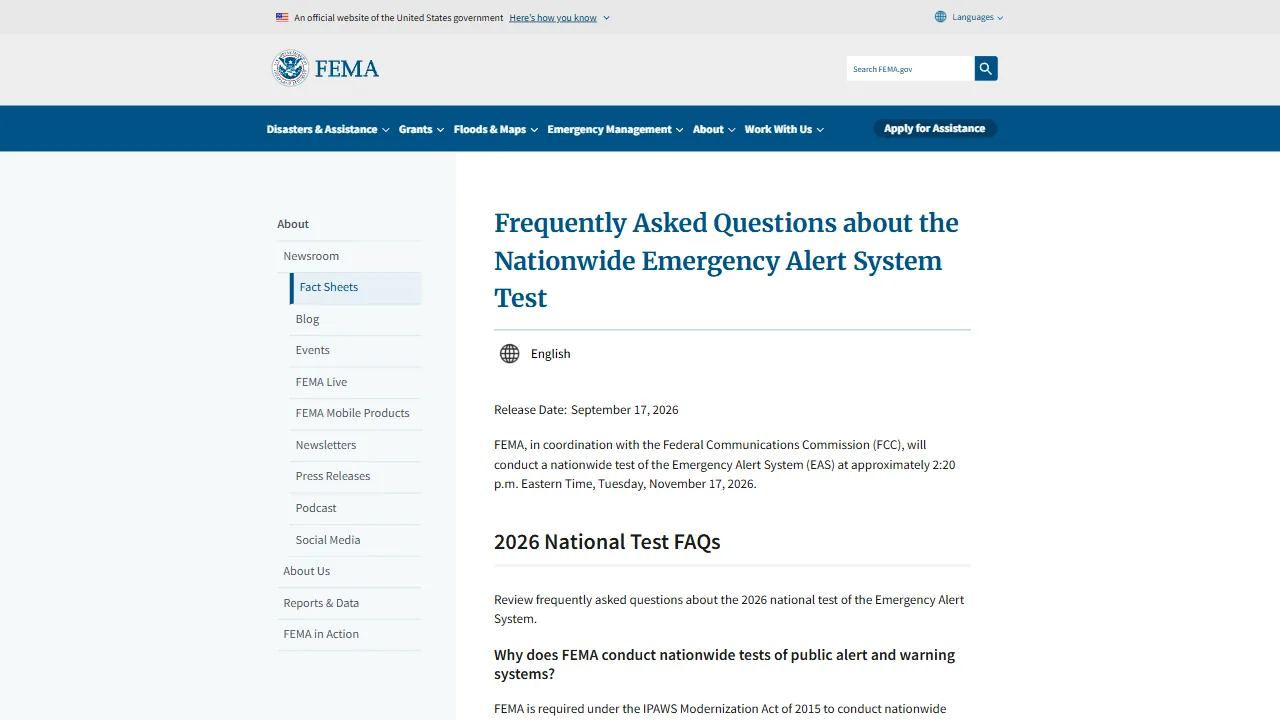
What FEMA tested on November 17
According to FEMA's announcement, at about 2:20 p.m. ET on Tuesday, November 17, radio and TV broadcasters, cable systems, satellite providers and wireline video providers interrupted programming with a test message. FEMA said it would last about one minute and that no action was needed. FEMA must test the national system at least once every three years.
EAS vs Wireless Emergency Alerts
- Emergency Alert System (EAS): messages that interrupt TV, radio, cable and satellite. This is what was tested.
- Wireless Emergency Alerts (WEA): the loud alerts that pop up on your phone, such as AMBER Alerts and extreme weather warnings. These were not part of the test.
So many people only heard the test if they were watching TV or listening to the radio at 2:20 p.m. ET (11:20 a.m. PT).
How to check emergency alerts on Android
Google's Android help page gives this path:
- Open Settings.
- Tap Notifications, then Wireless emergency alerts.
- Check that the alert types you want, such as extreme threats, severe threats and AMBER Alerts, are on.
Menus differ by brand. On a Samsung Galaxy or another phone where you can't find it, search emergency alerts in the Settings search bar. Google says a monthly Test alerts option only appears after you turn on Developer options.
How to check emergency alerts on iPhone
Apple's support page says:
- Open Settings > Notifications.
- Scroll to the bottom.
- Under Government Alerts, turn each type on or off.
US iPhones also have Test Emergency Alerts, which are off by default. Apple notes that some government alerts can't be turned off.
Which alerts can't you turn off?
National alerts issued by the President can't be switched off on phones in the US. You can turn off most other alert types, but we'd leave extreme and severe threat alerts on: they're how you hear about tornado or flash-flood warnings when you're away from a TV.
Questions people ask
Will there be a phone alert test too?
FEMA hasn't announced one. Its FAQ only says Wireless Emergency Alerts were tested in 2023 and weren't part of the 2026 test.
Why does FEMA run these tests?
The IPAWS Modernization Act of 2015 requires FEMA to test the national alert and warning system at least once every three years. Thousands of independent stations relay the message, so the test shows FEMA where equipment or procedures fail before a real emergency.
Why did the message look different on different channels?
FEMA says stations use different equipment, so the on-screen text can vary, and some broadcast it in English, Spanish or both. The alert tones are there for people who are deaf or hard of hearing.
Was Alaska tested separately?
Yes. FEMA ran a statewide EAS test in Alaska on October 7, 2026, to check reception across remote areas before the nationwide test. Phones weren't part of that one either.
Did the test collect my data?
No. FEMA says the Emergency Alert System "does not collect personal data from the public". It only broadcasts.
Was it a real emergency?
No. The message said it was a test and that no action was needed. Be wary of texts or posts claiming otherwise, and of links asking you to "verify" your phone. Our guide to Android scam protection for calls and texts shows how to spot them.
For more phone guides, see Android 17's local network permission or browse free tools in our apps catalog.